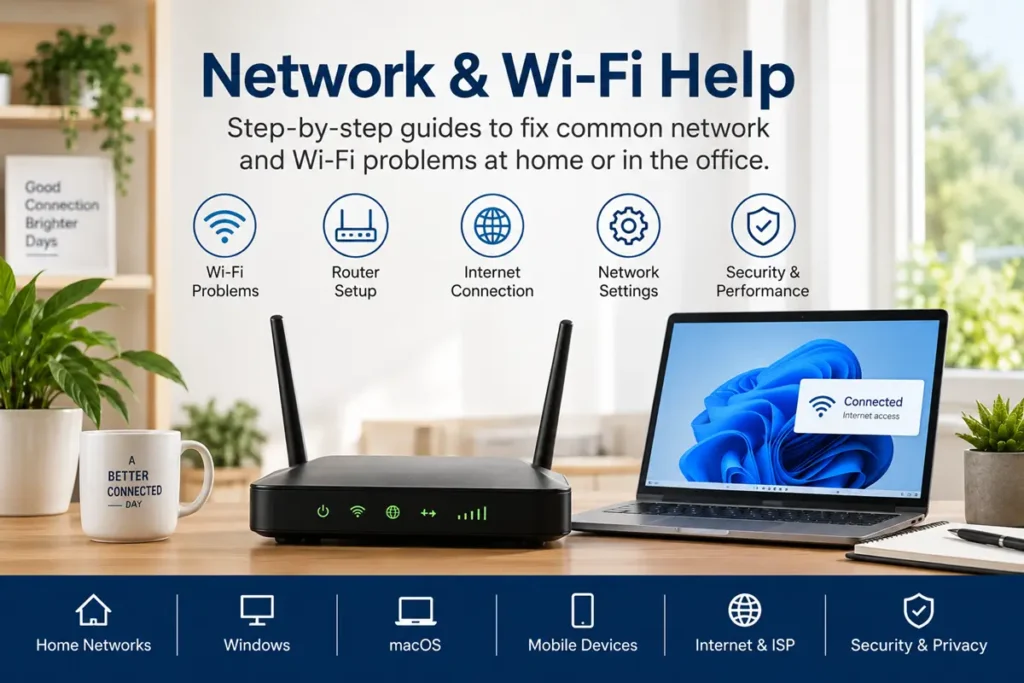
Modern home networks are more complicated than ever.
From unstable Wi-Fi connections and slow internet speeds to router configuration problems, DNS errors, device compatibility issues, and network security concerns, even small connection problems can quickly become frustrating.
At TechSolutionForAll, we publish practical troubleshooting guides designed to help identify and fix common network and Wi-Fi problems affecting home users, office networks, and connected devices.
Use the sections below to find the help you need.
Browse By Common Network Problems
Most network issues fall into a few common categories.
Choose the section below that best matches the problem you are experiencing.
Wi-Fi Connection Problems
Wi-Fi connection failures can happen when devices refuse to connect, routers lose saved settings, wireless channels become congested, or network adapters stop communicating properly.
Popular Wi-Fi Topics
• Devices Not Connecting To Wi-Fi
• Wi-Fi Keeps Disconnecting
• Weak Wi-Fi Signal Problems
• Wireless Adapter Troubleshooting
→ View Wi-Fi Connection Troubleshooting
[FUTURE WIFI TROUBLESHOOTING PAGE]
Router Setup & Configuration Problems
Incorrect router settings often cause connection instability, network conflicts, poor device compatibility, and wireless performance problems that affect every device connected to the network.
Popular Router Topics
• New Router Setup Problems
• Router Configuration Errors
• Firmware Update Problems
• Router Security Configuration
→ View Router Setup Help
[FUTURE ROUTER SETUP PAGE]
Slow Internet & Performance Problems
Internet performance problems can develop because of bandwidth limitations, wireless interference, outdated hardware, overloaded networks, poor ISP performance, or incorrect network configuration settings.
Popular Performance Topics
• Slow Internet Speeds
• Buffering Problems
• High Latency Issues
• Network Congestion Problems
→ View Internet Performance Troubleshooting
[FUTURE SLOW INTERNET PAGE]
DNS, IP Address & Network Errors
Many connection problems happen when devices fail to receive correct IP addresses, DNS servers stop responding, DHCP leases fail, or local network communication breaks unexpectedly.
Popular Network Error Topics
• DNS Server Not Responding
• IP Address Conflict Problems
• DHCP Connection Issues
• Gateway Connection Errors
→ View Network Error Troubleshooting
[FUTURE DNS/IP PAGE]
Wi-Fi Range Extenders & Mesh Network Problems
Larger homes often rely on range extenders and mesh systems to improve wireless coverage, but poor placement, incorrect setup, and signal overlap can create new network problems.
Popular Coverage Topics
• Wi-Fi Range Extender Setup
• Mesh Network Configuration
• Dead Zone Problems
• Signal Coverage Issues
→ View Mesh & Extender Help
[FUTURE MESH NETWORK PAGE]
Featured Network & Wi-Fi Guides
Here are some of our growing network troubleshooting guides.
• How To Improve Wi-Fi Signal Strength
• Fix Devices That Keep Disconnecting From Wi-Fi
• Router Setup & Configuration Help
• DNS Server Troubleshooting Guide
• How To Fix Slow Internet Problems
• Wi-Fi Range Extender Setup Help
[INSERT ARTICLE LINKS AS CONTENT GROWS]
Network Security & Safe Configuration
Home networks should be configured securely to protect connected devices, improve stability, and reduce security risks.
Common areas that often require attention include:
• Router Firmware Updates
• Wireless Password Security
• WPA2 and WPA3 Security Settings
• Guest Network Configuration
• Firewall Settings
• Device Access Control
→ Future Network Security Guides
[FUTURE NETWORK SECURITY PAGE]
Official Network Support Resources
Sometimes connection problems require manufacturer-specific firmware updates, documentation, or device-specific setup instructions.
Examples include:
• Router Manufacturer Support Pages
• ISP Support Resources
• Firmware Download Pages
• Device Setup Documentation
[INSERT OFFICIAL LINKS WHEN APPROPRIATE]
We continue publishing new network troubleshooting guides regularly as new networking technologies, wireless standards, router firmware updates, and internet connectivity problems appear.
Check back regularly as our network and Wi-Fi troubleshooting library continues to grow.